Word practice app for students: spaced repetition built in
Every teacher knows the pattern. A student learns twenty words on Tuesday, recognizes twelve on Friday and none the week after. The words were taught. They just never came back at the right moment.
verbios word practice is built around that moment. Students save words while they study, and the app brings each word back when it is due, in a different exercise each time. You don’t make decks, and the student doesn’t have to remember to review.
From saved word to exercise
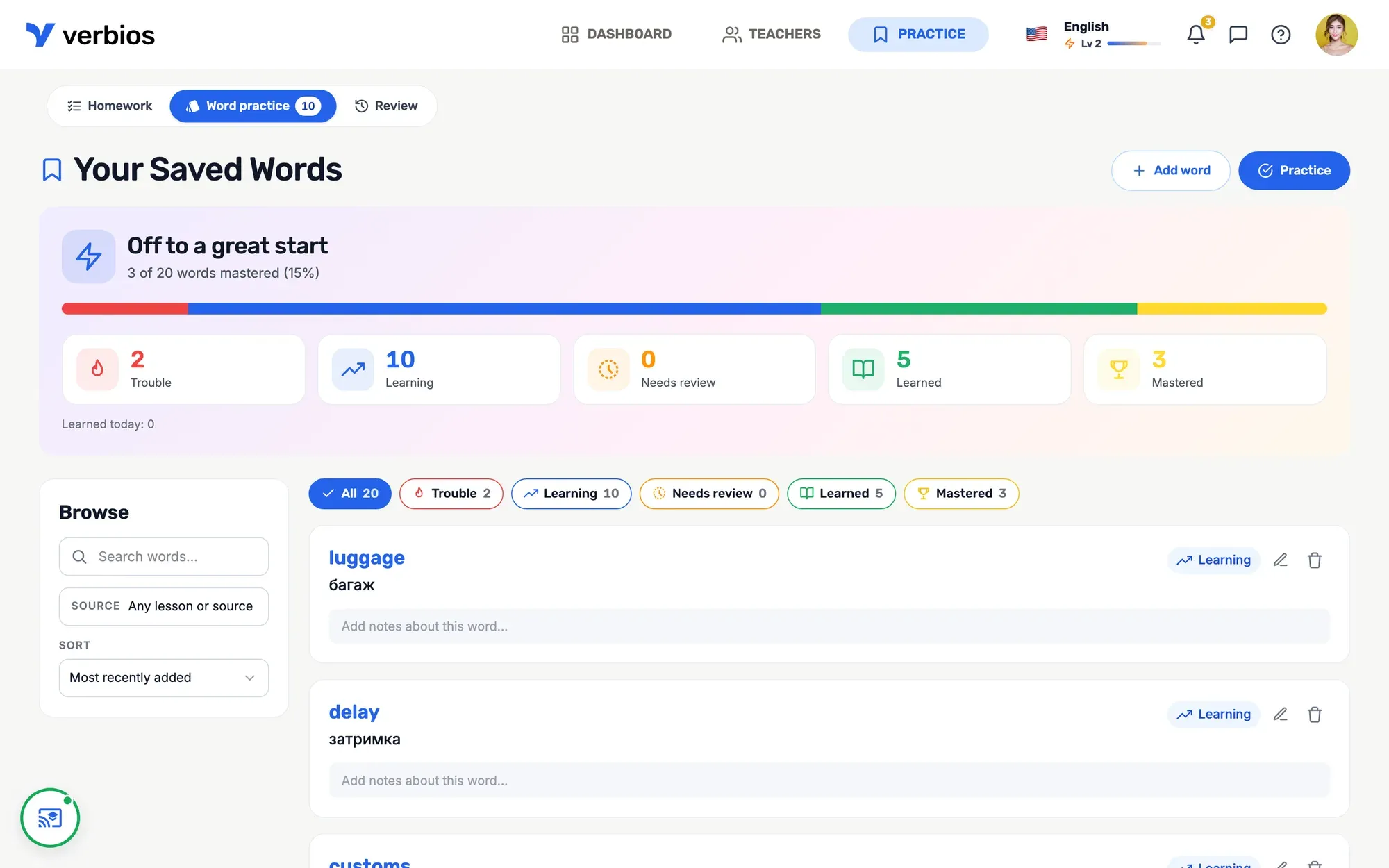
A student saves a word from a lesson or adds one by hand with the Add word button. The word lands on the Saved Words page with its translation, a field for personal notes and a status. Recommended audio fills in automatically when the word is saved, and IPA is shown in the American style.
The Saved Words page: one bar, five statuses, and filters for each.
Every exercise is generated from the word and its dictionary entry. There are six types: flashcards, matching, multiple choice, letter order, type the word, and listen-and-type (when audio is available). A session uses either translations or definitions, never a mix, so a student isn’t switching between two kinds of thinking mid-exercise.
Three ways to practice
Pressing Practice opens a picker with three modes.
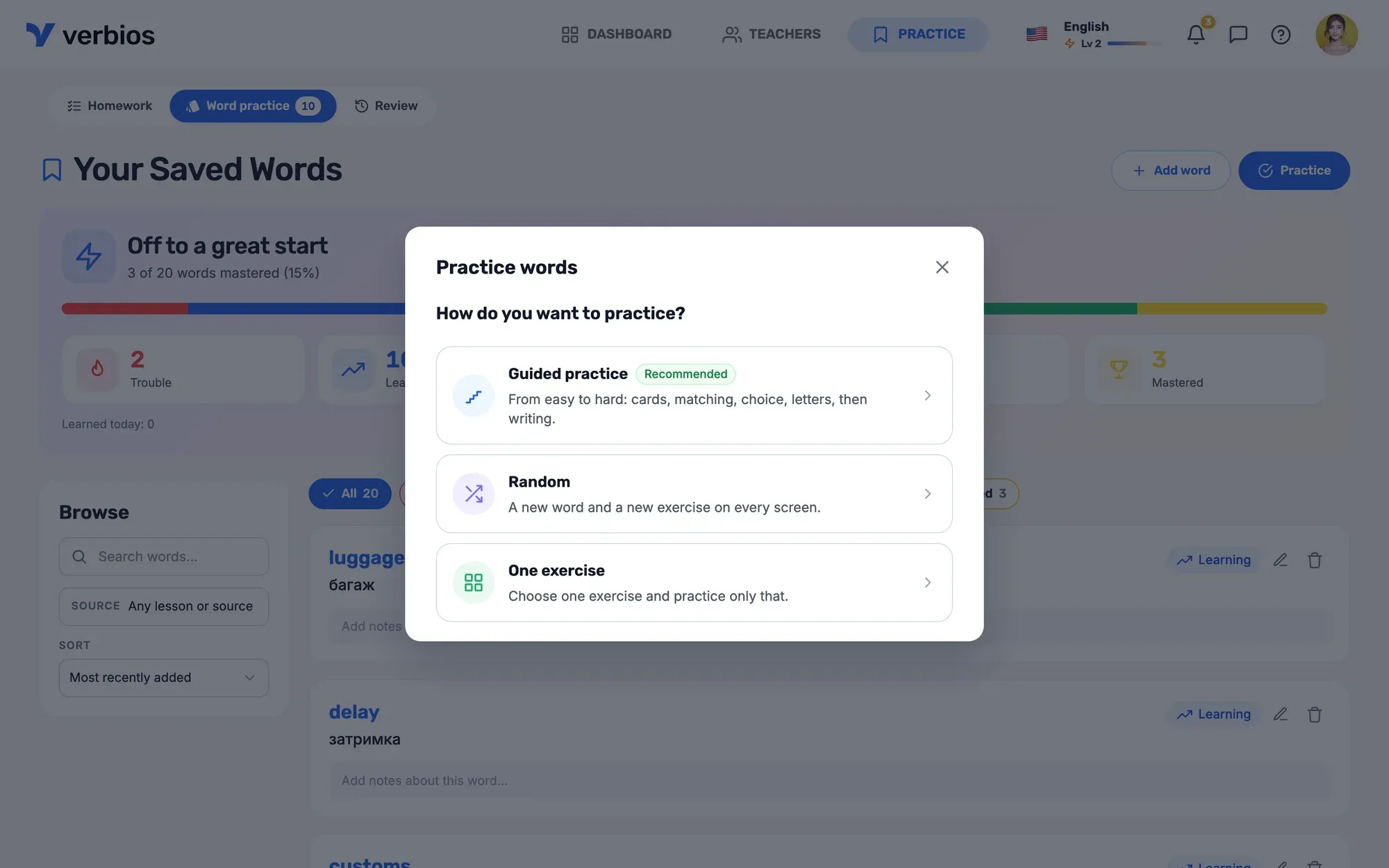 Guided, Random or a single exercise type.
- Guided runs through flashcards to typing, from easy to hard. It is the default for most students.
- Random gives a new word and a new exercise on every screen.
- One exercise lets the student pick a single type, for example only type-the-word before a dictation.
Finishing a session earns XP, and an optional bonus round earns more. A day streak keeps going as long as the student practices daily. Sound effects can be turned off in the profile for students who practice on a bus.
Statuses, spaced reviews and a daily goal
Each word has a real status: Trouble, Learning, Learned or Mastered, plus Needs review when a word is due. The status drives when the word comes back, which is the point of spaced repetition (interval review): easy words appear less often, hard ones more often.
The rules are simple enough to explain to a student in a sentence. Two clean sessions in a row take a word from Learning to Learned. Learned words need four clean, due reviews in a row, each on a different day, to become Mastered. A mistake in two sessions in a row sends a word back one level.
There is also a daily goal of 10 words per language, with a separate practice queue for each language the student is learning. Finishing Spanish for the day doesn’t touch the French queue. When everything due is cleared, the student sees “All done for today” and can keep going for extra XP, with due words still coming first.
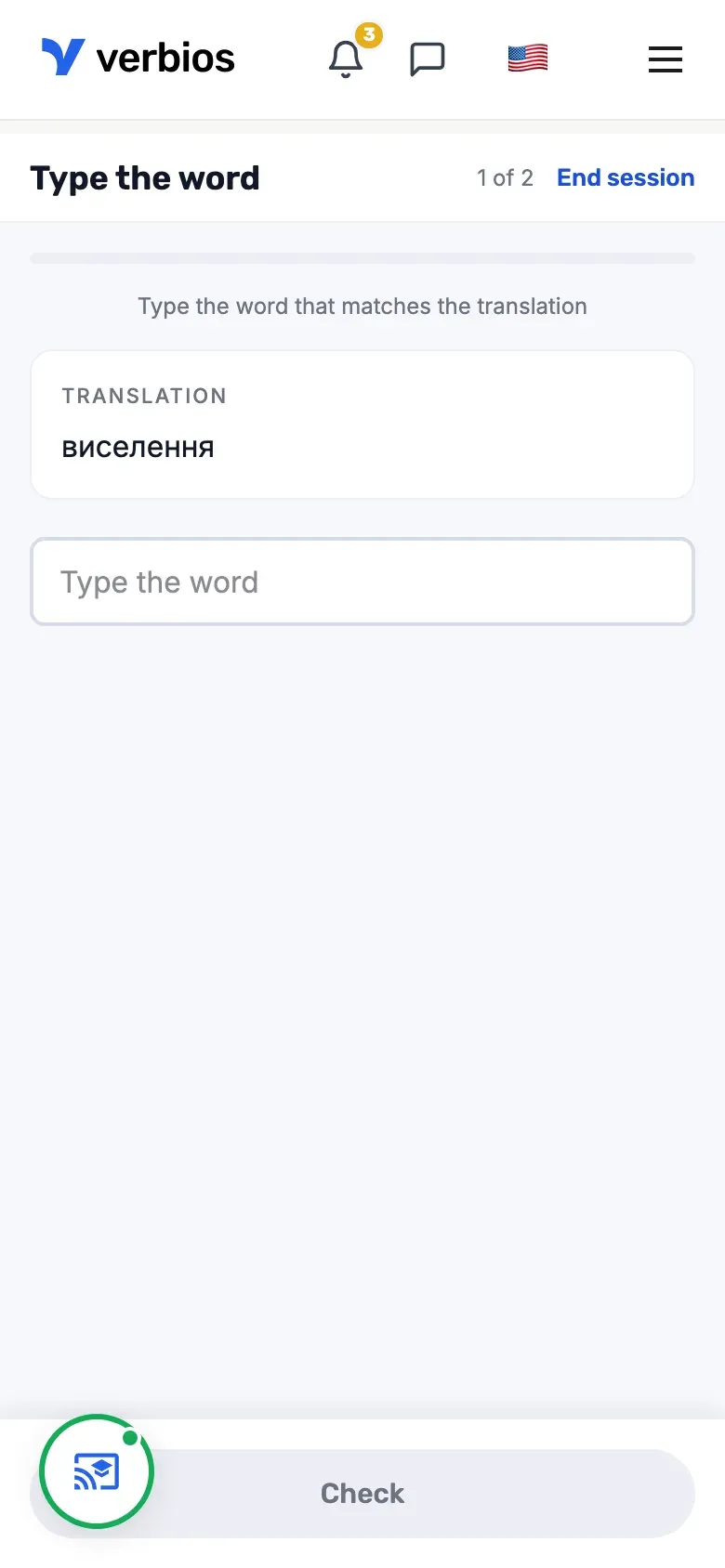 Type-the-word on a phone. Practice works in the browser and in the iOS and Android apps.
What the teacher sees
Open a student’s Progress tab and the Student’s words window shows every word they saved in the language you teach, with the same status counts, filters and cards the student has. You can pick several statuses at once, search, filter by lesson and sort. Words can be copied as plain text, with translations, or as a CSV file.
The useful part: you can turn the words you see into an exercise (flashcards, matching, multiple choice, letter order or type the answer), choose which words to include, and add it to any lesson page you can edit. Trouble words from this week become next week’s warm-up in two clicks. You can also edit or delete the words you added yourself.
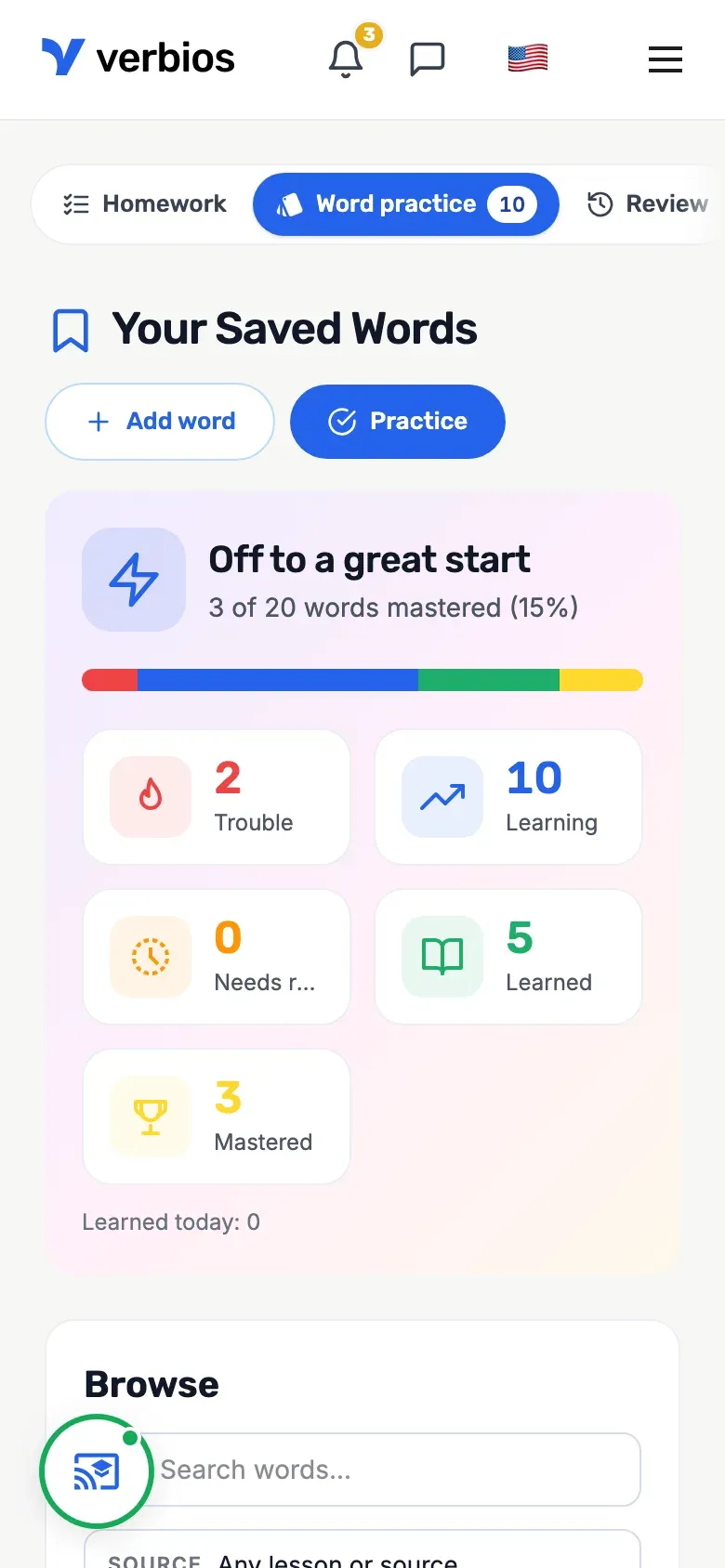 The same page on a phone.
A week with one student
Say Olena is preparing for a trip and saves luggage, delay and customs after a lesson on airports. On Wednesday she runs a guided session on the bus: two words are Learning, one slips to Trouble after two mistakes. Before the next lesson you open her Student’s words window, filter by Trouble and send those words to the lesson page as a type-the-word exercise. You spend the first five minutes of class on exactly what she is missing, not on what she already knows.
If you want the teaching side of this, our guide on how to teach vocabulary so it sticks covers when to review and how many new words per lesson are realistic. Words also come from the learner’s dictionary inside lessons.
Word practice lives on the student side, so your students never pay for it. Teaching live with your own students starts on Starter, which has a 7-day free trial. The pricing page has the details.
Frequently asked questions
Do students have to make their own flashcards?
No. Each exercise is generated automatically from the saved word and its dictionary entry, so a student saves a word and can practice it right away.
How does a word become Mastered?
Two clean practice sessions in a row move a word from Learning to Learned. Learned words need four clean, due reviews in a row, each on a different day, to reach Mastered. A mistake in two sessions in a row drops a word back one level.
Can a teacher see what a student is practicing?
Yes. In a student's Progress tab, the Student's words window shows every word they saved in the language you teach, with the same statuses and filters the student sees.