Check English essays online while students write them
Writing is the skill that tutors find hardest to teach online. A student writes an essay alone, sends it, and you get a finished text full of mistakes that were made twenty minutes ago and are now invisible. You can correct the result, but you cannot see how the student got there: where they stopped, what they deleted, which word they hesitated over.
You can watch it happen in verbios.
Essays appear live during the lesson
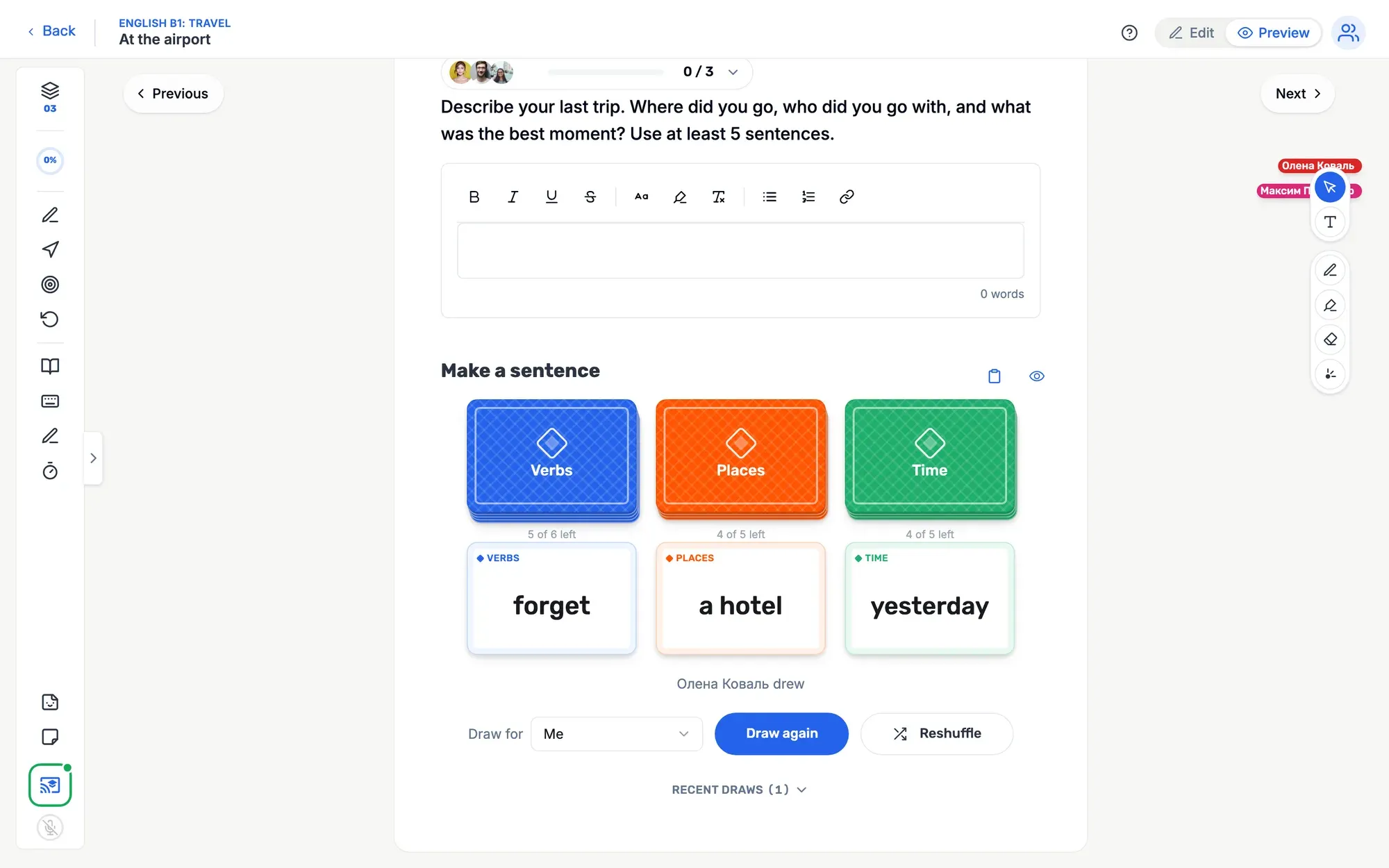
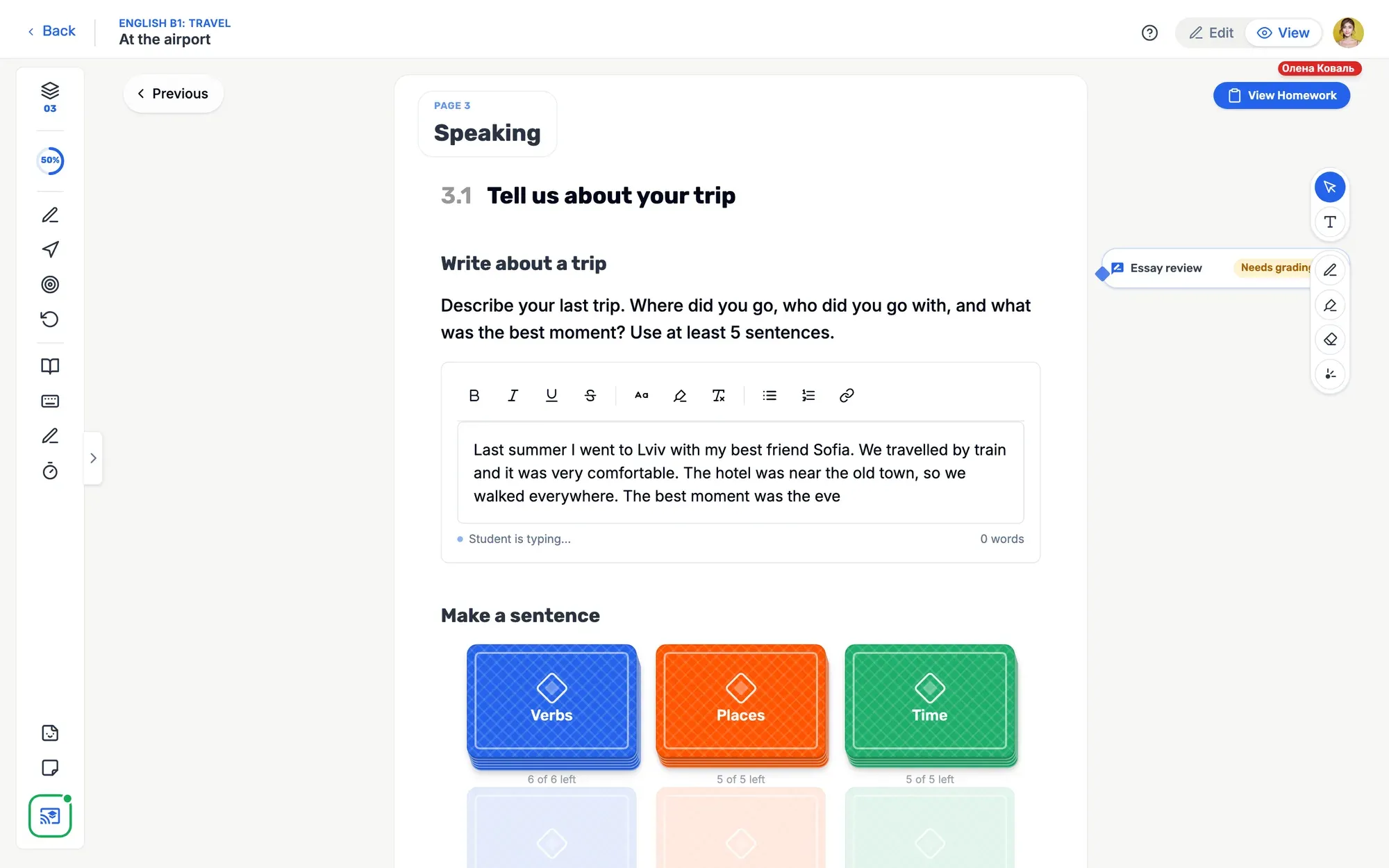
In a live lesson, the teacher and the student see each other’s essay typing in real time, with no need to click away first. The student writes in the essay editor, and on your screen the text grows as they type, with a “Student is typing” note underneath.
The teacher's view: the essay is being written, and a status says the student is typing.
Typing stays fast on the student’s side. The words are simply passed on to the other person as they go. It works in both directions, so the student can also see your typing in the same block when you want to model a sentence.
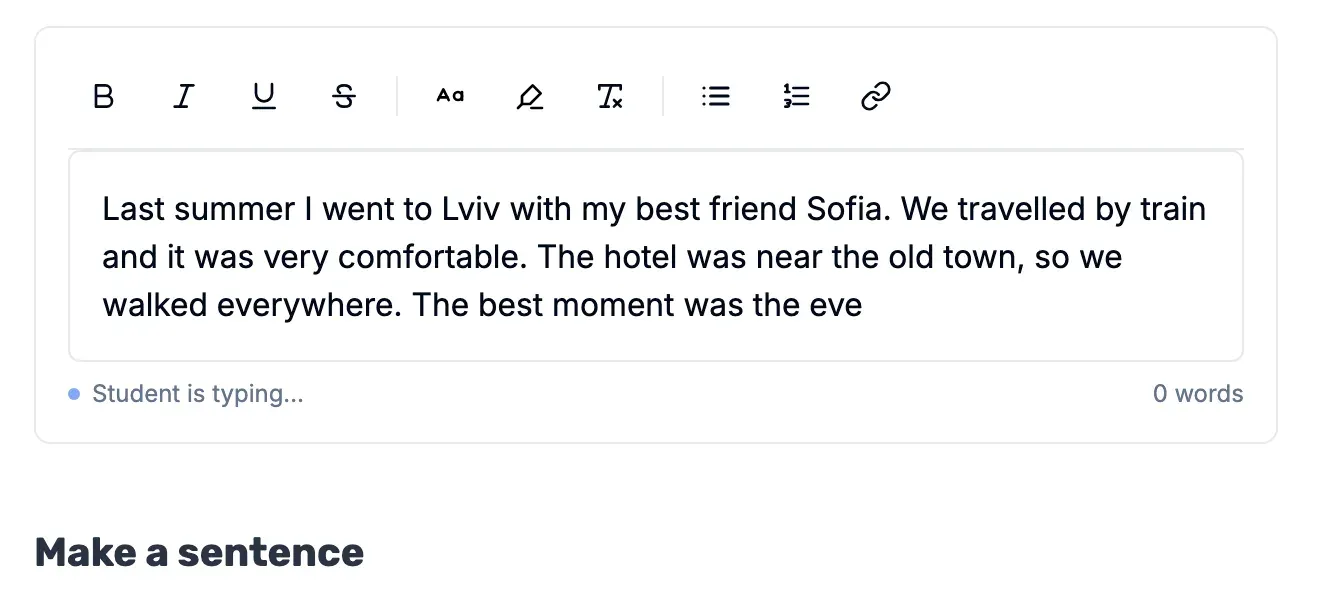 Close up: a half-finished sentence on the teacher's screen.
The student’s editor is a normal rich-text field with a formatting toolbar and a word counter, so the task feels like writing, not like filling in a form.
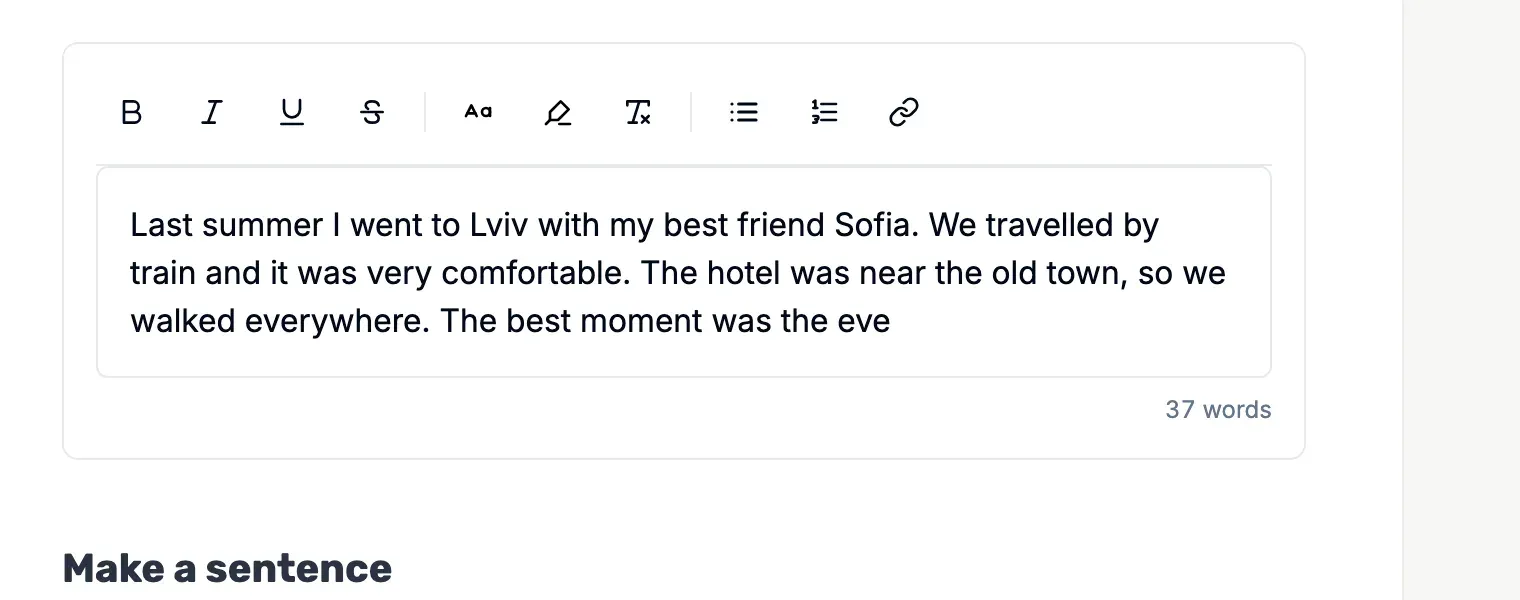 The student's side of the same essay: toolbar, text and a word counter.
What this changes in a lesson
You can intervene at the right moment. If a student writes “I am agree” in the first sentence, you do not wait for the end. You say, “stop, read your first line again,” and they fix it themselves. For a student learning to correct their own errors, that works better than a list of red marks the next day.
You also see how long a student thinks. A long pause before a sentence tells you which structure is hard for them, which you would never know from the final text.
When the essay is homework
Not every essay is written in the lesson. When a student hands in homework, you deal with it on the lesson’s homework page: mark it reviewed, or send it back with a comment explaining what to redo. The student sees your comment on their own homework page and can resubmit. Sent-back homework returns to their practice list instead of vanishing, and every round trip is kept, so a second set of comments never overwrites the first.
For essays specifically, verbios can also write AI feedback. You choose, for each student, the language it is written in, so a student on an English course can get explanations in Ukrainian if that is what they actually read. Corrections and quoted words stay in the course language. When feedback stays in the course language, it is written one level simpler than the course: a B1 student gets explanations at A2 level.
A scenario
A tutor with a B1 student sets a ten-minute task: describe your last trip. The student starts typing while the tutor listens and watches. Halfway through the second sentence the student writes “I go to Lviv” and the tutor says only “when did this happen?” The student changes it to “went”. At the end the tutor sends the essay for AI feedback in Ukrainian, then assigns a rewrite as homework with a comment on the one structure that kept coming back.
For more on correcting writing, see our guide to error correction and writing feedback. To see how essays fit with automatic checking of other exercises, read about homework auto-check and the AI helper.
Live lessons come with Starter and Pro, and Starter has a 7-day free trial. Details are on the pricing page.
Frequently asked questions
Does live typing slow the student's editor down?
No. Typing stays fast on the student's side; the words appear for the other person as they are written.
Can I choose the language of AI essay feedback?
Yes. You choose it for each student, for example Ukrainian feedback on a Hungarian course. Corrections and quoted words stay in the course language.