Teaching English to kids online: how to run lessons that work
Teaching a nine-year-old over a video call is a different job from teaching an adult. The child is tired after school, there is a cat in the frame, and “tell me about your weekend” gets the answer “good”. The lessons that work with children are shorter, more physical and more playful than the ones that work with adults, and parents need a place in the picture. Here is how to build that.
Plan for short attention spans
Plan on two to three minutes of attention per year of age before a young child needs something new, so a five-year-old gives you about ten minutes of focus and an eight-year-old fifteen to twenty. Use these numbers to plan your segments.
That means a lesson for children is a sequence of short blocks. A workable 30-minute plan for ages 6-8:
- 0–3 minutes: hello routine (the same every time: song, greeting, “How are you today?” with a mood card).
- 3–8 minutes: review of last lesson’s words with a quick game.
- 8–15 minutes: new language in a story, picture or short video.
- 15–20 minutes: a movement or hands-on activity.
- 20–27 minutes: a game that uses the new language.
- 27–30 minutes: goodbye routine and one star or badge.
For 9–12 year olds, stretch the blocks to 8–10 minutes and the lesson to 40–45 minutes. Repeating the same opening and closing routine gives children a sense of safety and takes the first minute off your planning.
Get them moving
Children learn with their bodies, and being still in front of a camera is hard. Keep movement in every lesson, even if the child is within a meter of the screen.
- Simon says online. “Touch something blue”, “Show me a spoon”, “Stand up and hop three times”. Practices vocabulary and listening with no writing.
- Scavenger hunt. “Find something that starts with B in thirty seconds.” The child leaves the screen and comes back with an object and a sentence: “This is a book.”
- Mime the verb. You act, they guess (“Are you swimming?”), then they act and you guess. Perfect for present continuous.
- Freeze. Play a song and pause it. When it stops, the child freezes and says the word you hold up.
After a movement activity, you can pull attention back with something calm: a short story or a drawing task. Alternate loud and quiet.
Use games, but keep the language in them
A game is only useful if the child is saying or understanding the target language. If the game is fun but the child produces nothing in English, it is a break and not practice, which is fine, as long as you notice the difference.
Games that work online:
- Guess the picture. Reveal a picture slowly, the child guesses “Is it a cat?” Practices questions and vocabulary.
- Memory. Show twelve items for twenty seconds, hide them, and the child lists as many as they remember. Make it a race against yourself.
- Hangman and word scrambles for spelling at 7-10.
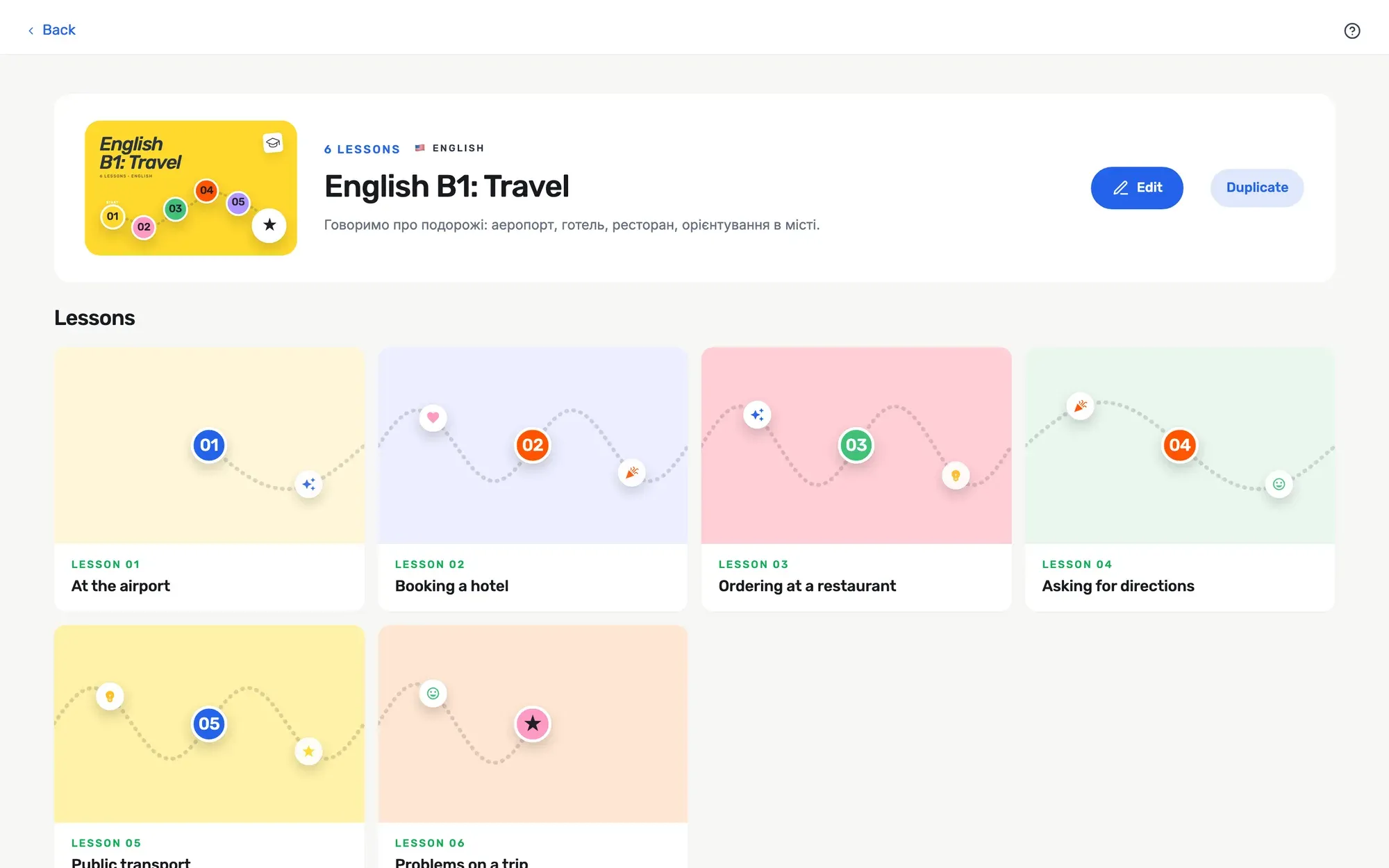
- Story dice or cards. The child draws a character, a place and an object and tells a story. Card decks in verbios are made for this: add words for each deck, one card per deck per draw.
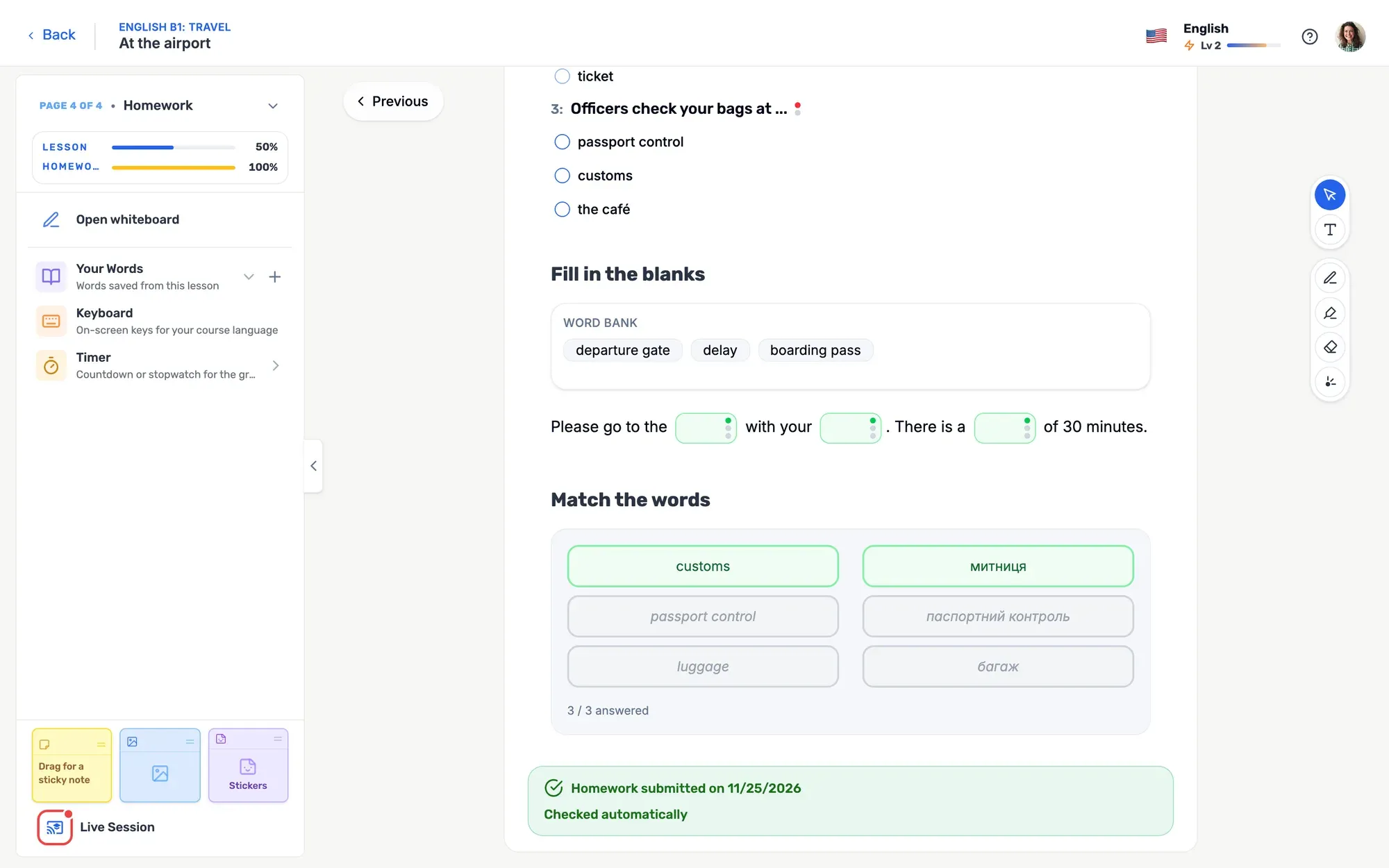
- Drawing on a shared board. “Draw a house with three windows and a red door”, and the child draws what they hear. A shared whiteboard lets both of you draw at the same time and see each other’s cursors, which is a fast way to check listening comprehension. See the online whiteboard.
Switch to a different game when the child starts to guess the pattern. A game they have mastered becomes boring.
Rewards without bribery
Rewards motivate when they are tied to effort and are predictable. They backfire when a child works only for the prize, or when the prize is food. A few principles:
- Reward effort and progress (“You tried a long sentence!”) along with correct answers, so a child who is not the fastest still gets recognition.
- Keep rewards small and symbolic. A star, a sticker, a badge on a profile. Avoid prizes that cost money or sweets.
- Make progress visible. A chart or a collection that grows over weeks shows a child that practicing leads somewhere, which is more lasting than a one-off treat.
- Fade the rewards. As children feel competent, they need them less. A child who says “I want to do another one” is moving away from external rewards.
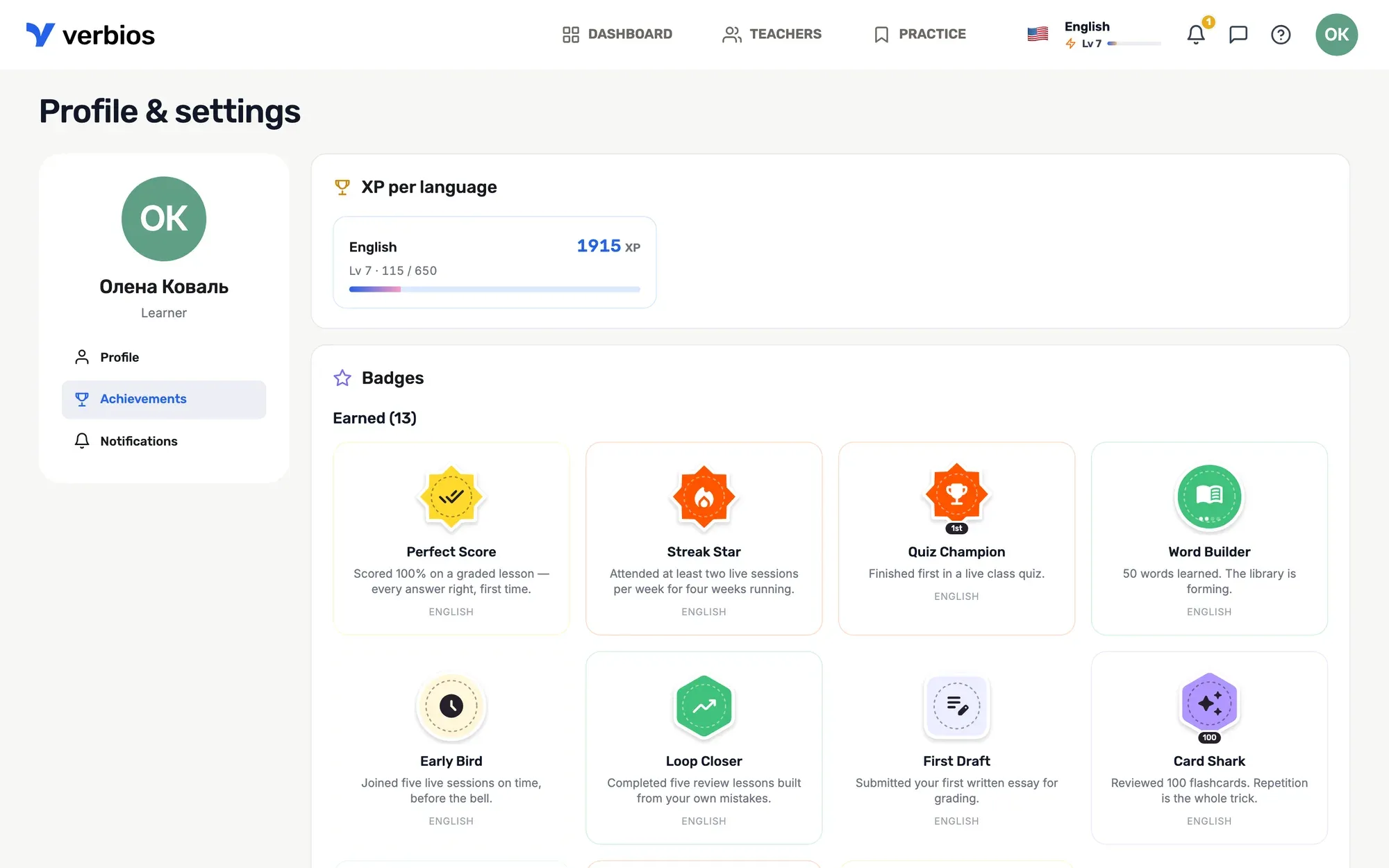
verbios gives students XP per language and badges that arrive automatically for things like a perfect score on a graded lesson or a number of active days. You can also create your own awards (for example “bravest answer” with your own picture) and hand them out in a lesson. More about that in badges and achievements. A badge given during a live session shows up on the screen for both of you, so the child gets the moment.
Badges and XP the child can see between lessons.
Keep parents in the loop
Parents of young learners pay, schedule and decide whether the lessons continue. They also usually cannot judge English themselves, so they judge your lessons by what they can see. A short message after each lesson, not a long report, is enough: what you did, one thing the child did well, and what to practice (one thing).
A few guidelines:
- Tell parents what you expect from them at home. For young children, five minutes of watching or listening to a word list together is plenty.
- Be specific. “She can now ask three questions with ‘do you like…’” persuades more than “she is doing well”.
- Send one practical message, not several small ones.
- If there is a problem, say so early and bring a proposal.
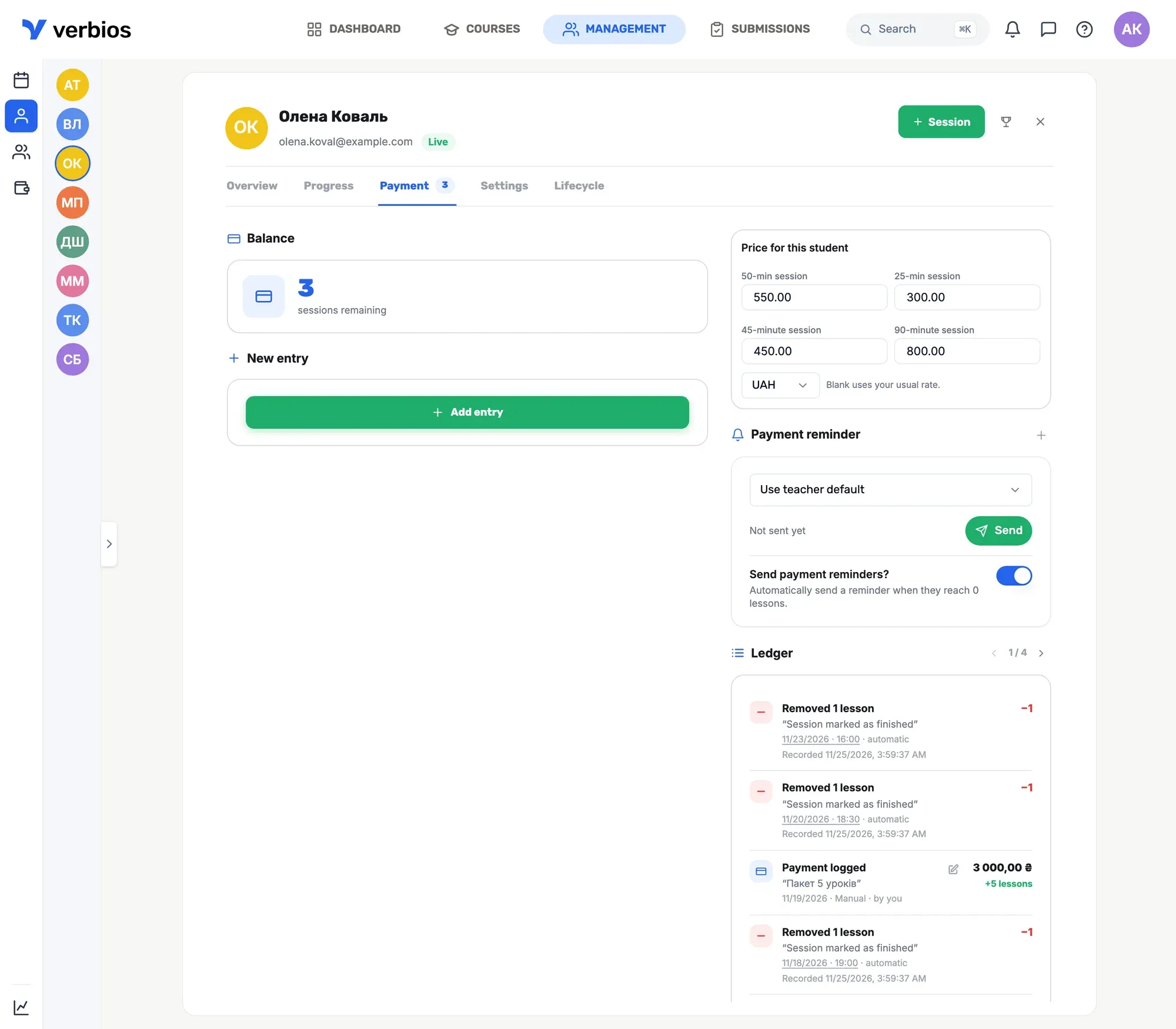
In verbios, a parent gets their own account linked to the child. They can see the schedule, paid lessons left and payments, chat with you, and see how much homework the child has not finished (the number and the day of the lesson, never the titles or content). More about it in parent accounts. For homework that kids do on their own, see homework students actually do.
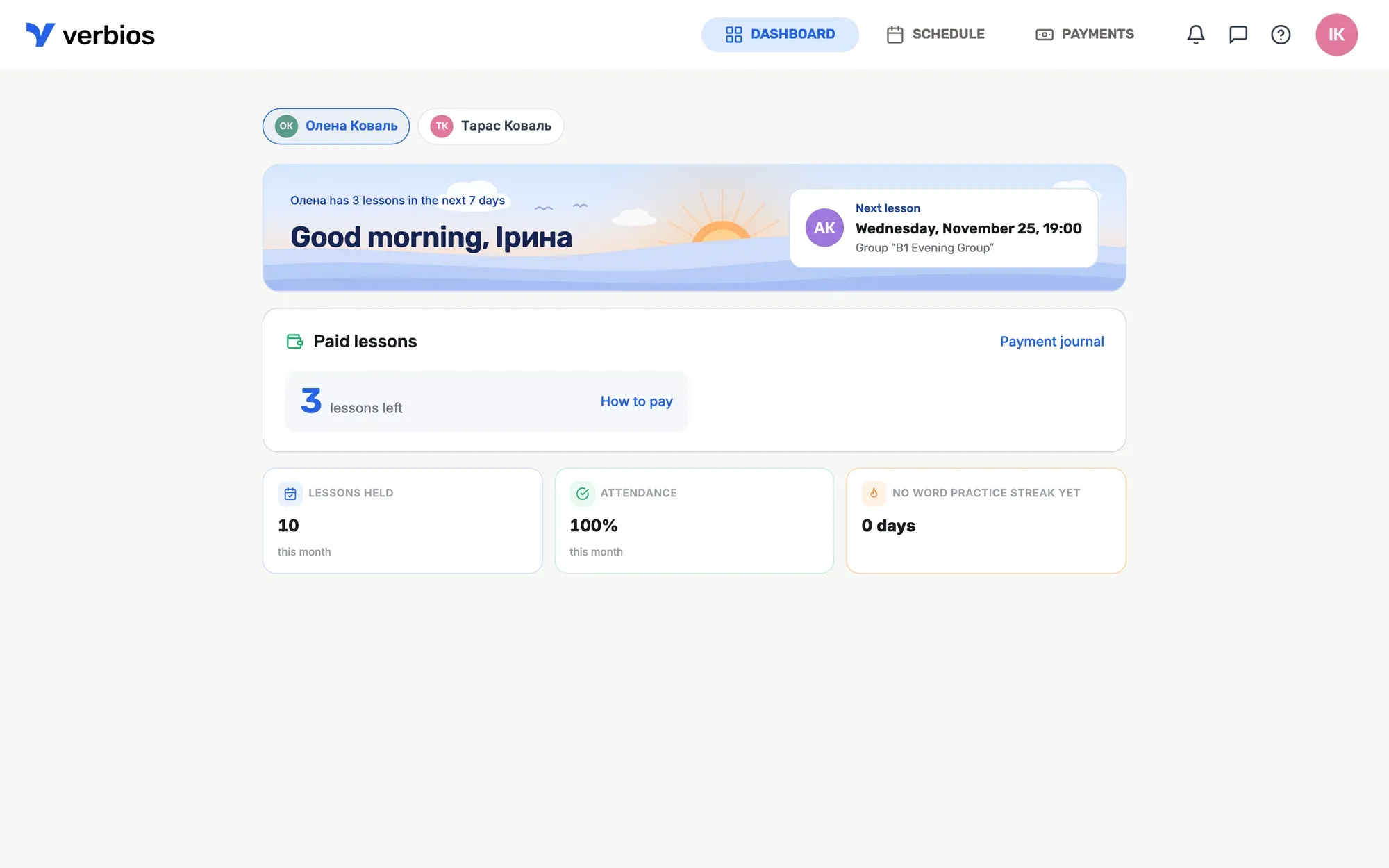 A parent can see the next lesson and paid lessons left without messaging you.
Make tasks screen-friendly
Anything that works on paper does not automatically work on a screen. A few changes:
- Big, simple pages. One task per page, large text, clear pictures. Children cannot read long instructions, so use icons, examples and your voice.
- Fewer typed answers for young ones. Dragging, matching and clicking work better than typing for ages 5–8, where typing is slow and discourages them.
- Audio first. Younger children are pre-literate or just starting to read, so they should hear a word before they see it.
- Use the room. Ask the child to bring a toy, a pencil, a favorite book. It gives variety and takes them off the screen for a moment.
- Time boxes. A visible timer helps: “You have two minutes to find five red things.”
Keep your own energy up. With children, your voice and face carry the lesson. Speak slowly, use gestures and large expressions, and praise what they did, not who they are.
Common mistakes
- Lessons that are too long, with one activity for the whole period.
- Too much teacher talk. Children need to say words, not listen to explanations.
- Using Ukrainian for all instructions. Start with English plus gestures and use Ukrainian only when a child is lost.
- Rewards given for being quiet or fast instead of for effort.
- No contact with parents, so a missed lesson or a stalled child is a surprise.
If you plan lessons for several ages at once, see plan a lesson fast and keep students engaged online. To try the tools above, see the pricing page.
Frequently asked questions
How long should an online English lesson for a child be?
Plan 25–30 minutes for ages 5–7 and 40–45 minutes for ages 8–12, with several changes of activity inside. Young children often get more from two short lessons a week than from one long one. Watch the child, not the clock: if attention drops, change the activity.
How do I keep a young child focused on a screen?
Change activity every 5 to 7 minutes or so, alternate sitting and moving tasks, keep instructions short, and give the child something to do with their hands. Use a real object, a toy or a drawing for part of the lesson so the whole lesson is not on a screen.
Should I use rewards with children?
Yes, but reward effort and progress rather than only correct answers, and avoid sweets or prizes tied to a single answer. Stars, badges and a visible progress record work well because they celebrate the work, and children stop depending on them as they feel competent.